Metronome
Steady click with an optional accent on beat one, tap tempo, selectable time signatures and click sounds — including a spoken count, a silent visual-only mode, and haptic vibrate on supported phones — plus a speed trainer that ramps you from a start tempo up to a target. The time gym adds polyrhythm practice (3:2, 4:3, 5:4, 7:4), a gap click that goes silent for whole bars, and a random beat drop, all stackable. Pair with exercises to lock in timing.
Set the tempo
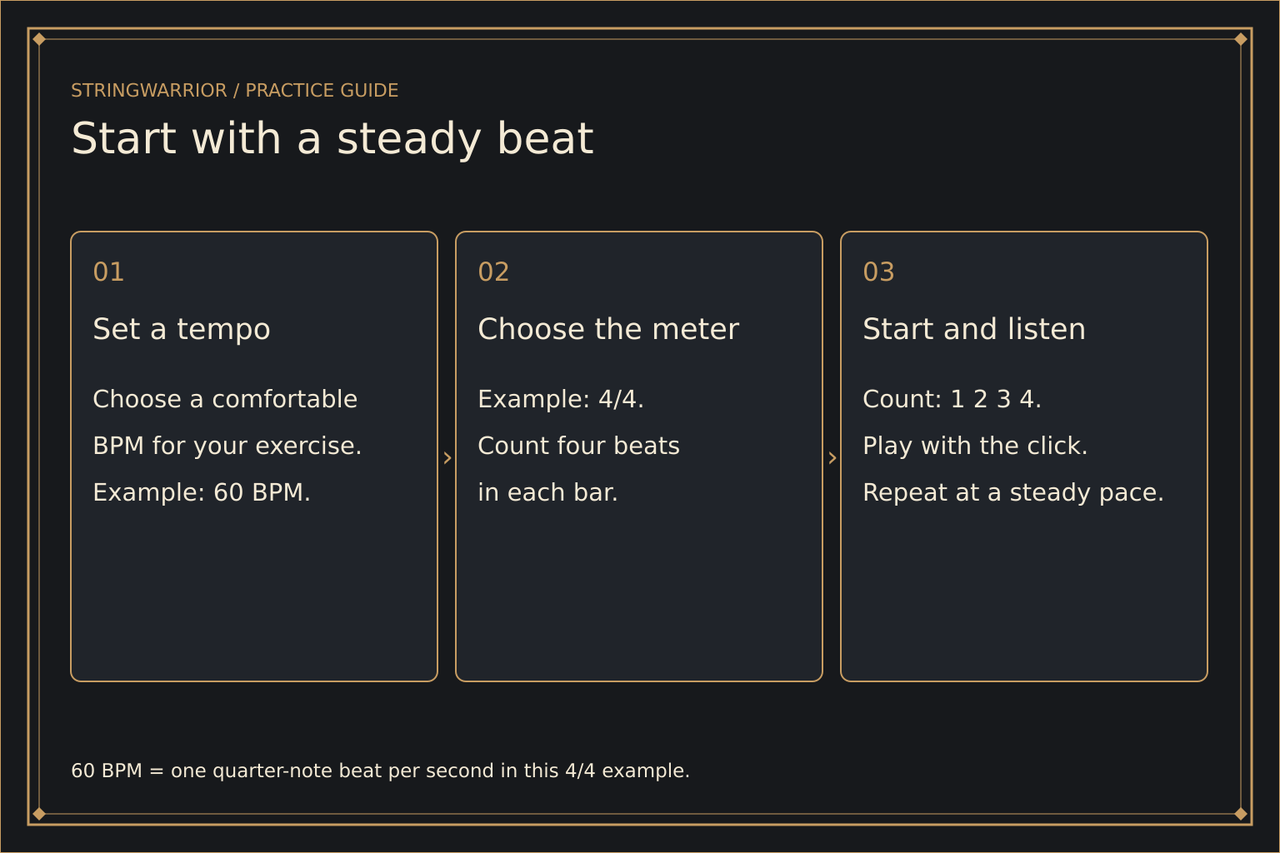
Set a tempo anywhere from 30 to 280 BPM, pick a time signature and click sound, and hit Start — or tap the beat. Turn on the speed trainer to ramp from a start tempo up to a target.
Tip: press Space to start or stop when focus is not in a field.
Illustrated reference
A pitch reference and a time reference

Metronome: A click marks time; it does not tell you the note pitch. Set: Choose a comfortable tempo and meter. Count: Match the beat before adding notes. Build: Increase speed only while the pattern stays clear.
Reference tone: A4 = 440 Hz is the standard reference used here. Choose: Select the note and octave you need. Listen: Compare one open string with the reference. Match: Use the tuner and your ear to confirm pitch.
Metronome first session